When reviewing a firewall proposal, most IT leaders focus on two numbers: the hardware cost and the annual software subscription. But in 2026, the most expensive line item isn't on the vendor's quote at all.
It is on your electricity bill.
As energy costs remain high and sustainability becomes a board-level priority, the real cost of a firewall is driven by power. Every watt your equipment draws impacts your electricity bill, your cooling requirements, your rack density, and ultimately, your hardware refresh cycles.
This is why a firewall that looks like a "bargain" on day one can end up costing you significantly more over a 3-to-5-year lifecycle especially if it relies on general-purpose CPUs instead of dedicated hardware acceleration.
The Metric That Matters: Watts-per-Protected-Mbps
Security teams think in throughput. Facilities and Finance teams think in kilowatts.
To bridge the gap, you need to evaluate firewalls using a different metric: Watts-per-protected-Mbps. Stop looking at "10 Gbps port capacity" or "datasheet throughput in perfect conditions." Instead, ask: How much power does this box burn to deliver the performance we actually need, with all our security inspection features turned on?
The Architecture Battle: CPU vs. ASIC/NPU
The reason some firewalls consume massive amounts of power comes down to how they are built.
1. CPU-Heavy Firewalls (The Brute Force Approach)
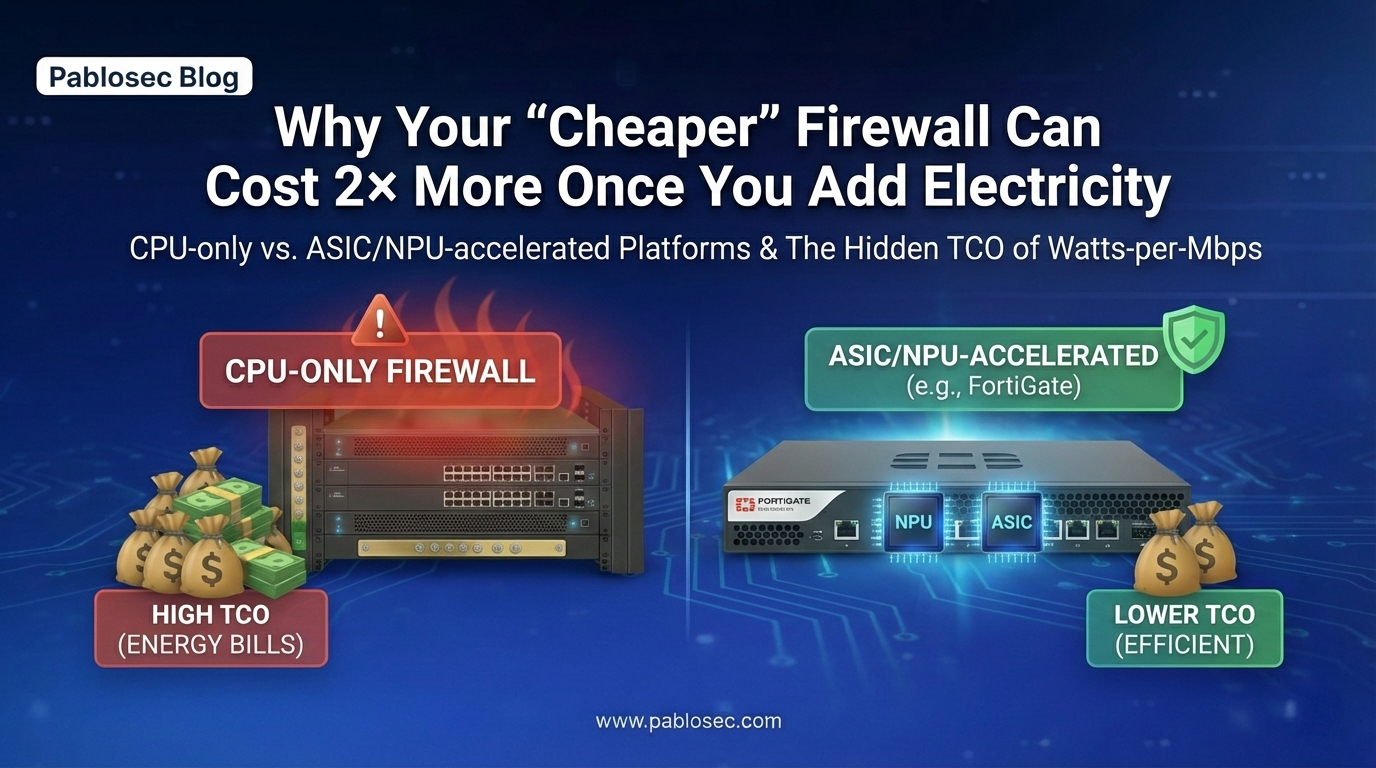
A CPU-only firewall processes almost everything in software. Packet routing, session handling, NAT, deep packet inspection, and encryption are all handled by a general-purpose processor.
When your traffic spikes or you turn on heavy features like TLS inspection, the firewall has to work harder. It needs more CPU cores, higher clock speeds, and more memory. That translates directly into massive power draw and excess heat.
2. ASIC/NPU-Accelerated Firewalls (The Efficient Approach)
Platforms like Fortinet (FortiGate) take a different route. They use custom-built ASICs (Application-Specific Integrated Circuits) and NPUs (Network Processing Units) to offload the heavy lifting from the main CPU.
Because these chips are designed to do exactly one thing process network and security traffic incredibly fast they require a fraction of the power to achieve the same or better throughput.
The Real-World Math: How "Cheap" Becomes Expensive
Let’s look at a simple 24/7 Total Cost of Ownership (TCO) comparison over a 3-year period.
Assume your electricity price is €0.30 per kWh.
-
Firewall A (CPU-Heavy): Averages 120 W of power draw.
-
Firewall B (ASIC/NPU - e.g., FortiGate 100F): Averages 35 W of power draw.
The 3-Year Electricity Cost:
-
Firewall A: €946 to run.
-
Firewall B: €276 to run.
-
The Difference: €670 in wasted electricity per device.
Now, scale that up to a normal business environment. You should be running your firewalls in High Availability (HA), which means two units per site.
-
1 Site (HA Pair): €1,340 difference.
-
10 Branch Offices (HA Pairs): €13,400 difference in electricity alone.
The Cost Everyone Forgets: Cooling
The math above only covers the power to turn the firewall on. But in a server room, every single watt of power consumed becomes a watt of heat that must be removed.
In many environments, the "cooling multiplier" means you are paying nearly double. You pay once to power the inefficient CPU, and you pay again to power the air conditioning required to stop it from overheating.
The Ultimate Risk: Disabling Security to Save Performance
When a cheap, CPU-heavy firewall gets pushed to its limits, organizations usually respond in one of three ways:
- They are forced to buy a bigger, more expensive model years before their refresh cycle.
- They add complex workarounds.
- They disable security features (like IPS or SSL inspection) just to keep the network fast.
That is how a cheap firewall becomes your biggest liability. It drives up energy costs, forces early upgrades, and ultimately compromises your security posture.
Your Procurement Checklist
Performance-per-watt is no longer a "nice-to-have" environmental metric; it is a core financial buying criterion. Before you sign off on your next firewall refresh, demand the following from your vendor:
-
Average watts at your expected throughput (not just the "idle" power).
-
Power draw with features enabled (IPS, TLS inspection, App Control).
-
HA power draw (remember, you are powering two boxes 24/7).
In 2026, the question is no longer just, "Can it do the throughput?" The real questions are: "Can it do the throughput securely? Can it do it efficiently? And what will it cost us to run it for the next five years?"