The Real Cost of Firewall Latency: How Milliseconds Turn Into Thousands of Euros
When organizations evaluate a new firewall, the conversation almost always revolves around two numbers: the upfront price and the datasheet throughput (Gbps).
But in real-world operations, the biggest silent drain on productivity isn’t a lack of raw bandwidth. It is latency and jitter under load.
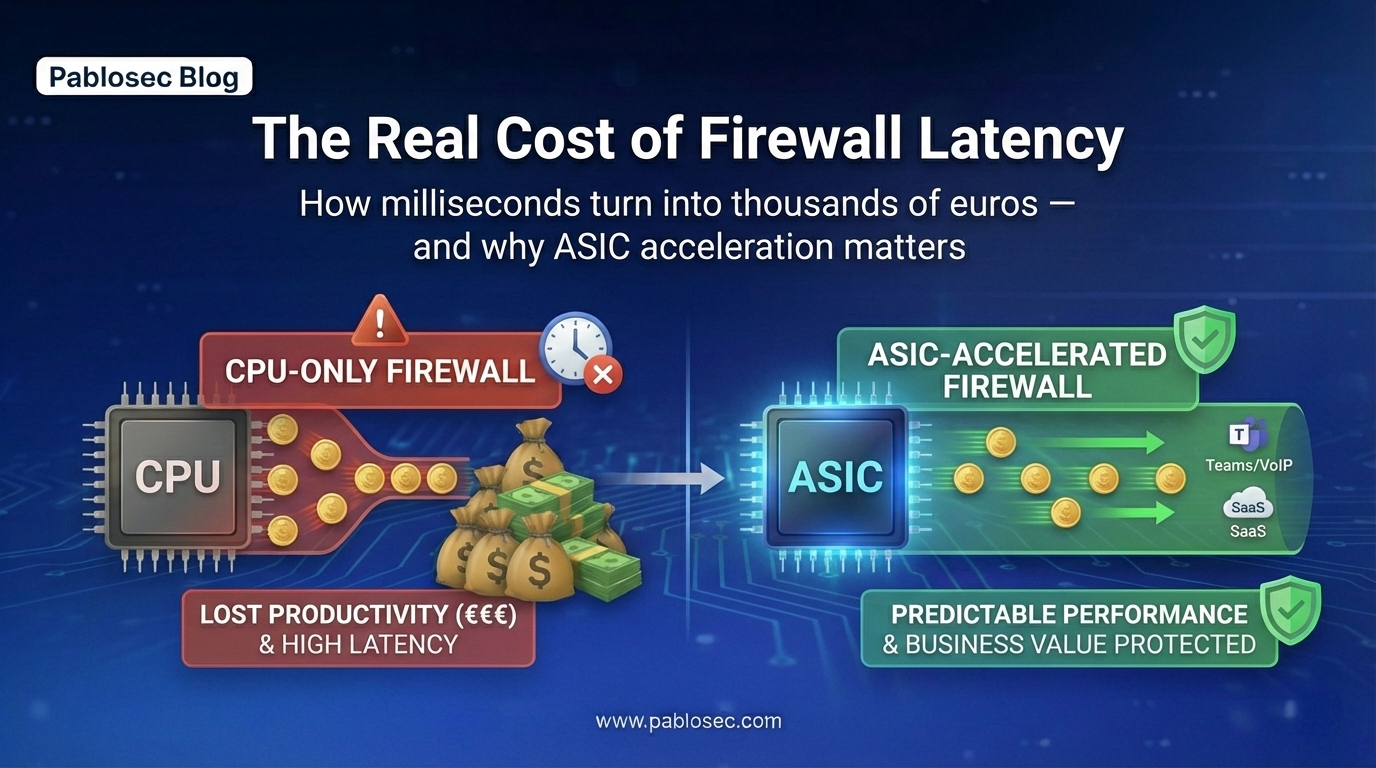
When your network is busy with Microsoft Teams calls, SaaS applications, VPN tunnels, and cloud backups, how does your firewall handle the stress? If it relies heavily on its main CPU, it creates microscopic bottlenecks. And here is the harsh reality: even tiny delays of a few milliseconds, repeated across hundreds of users all day long, translate into massive financial losses.
Death by a Thousand Milliseconds
Latency doesn’t just affect your "ping" to a server. In a modern cloud-first environment, modern applications require multiple round trips to complete a single action. Latency impacts:
-
Every SaaS interaction: Clicking "save" in a CRM, loading a dashboard, or searching a database.
-
Real-time communications: Jitter creates robotic audio and frozen video on Teams/Zoom calls.
-
Remote Work: RDP and VDI sessions feel "laggy" and unresponsive.
-
VPN/IPsec Tunnels: Encryption processes slow down during network congestion.
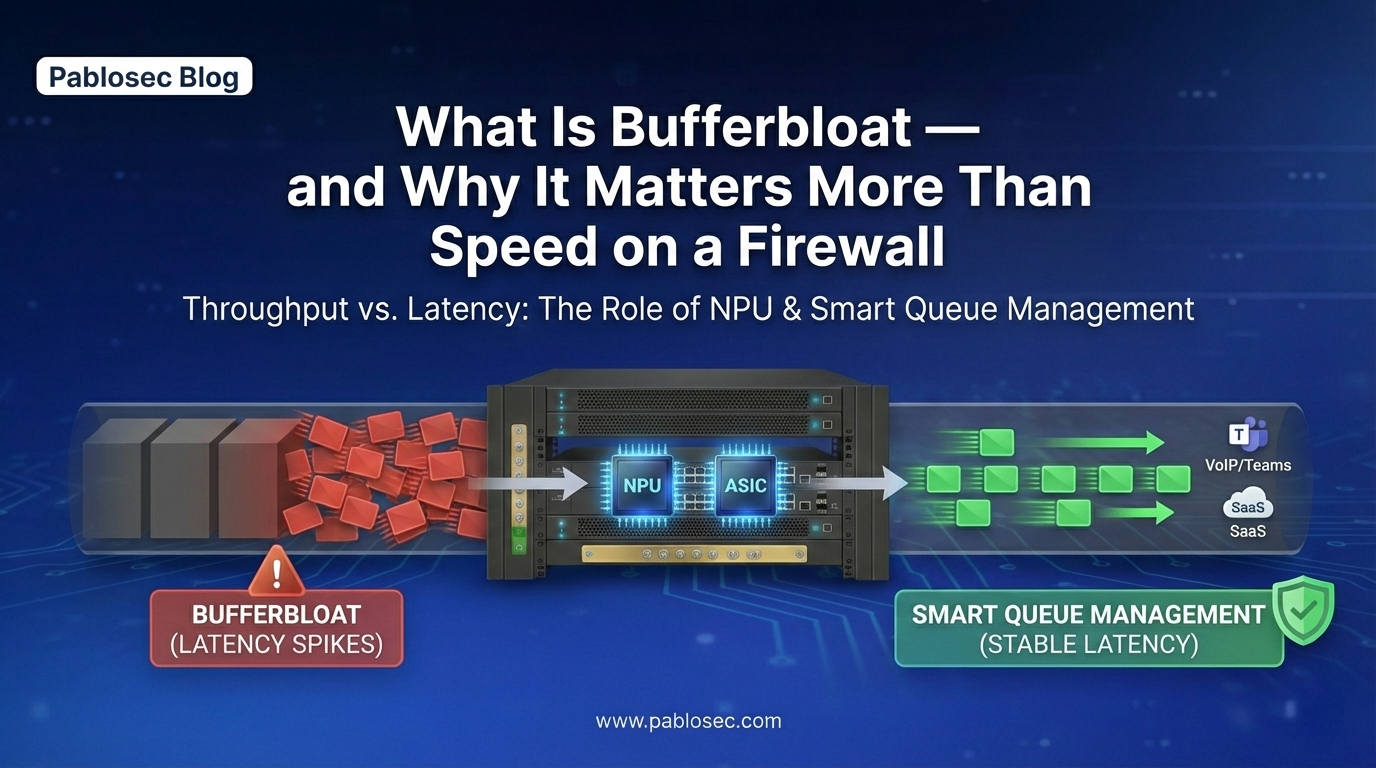
When your edge device introduces extra queuing (bufferbloat) or CPU contention due to heavy packet inspection, users don't see an error message. They just experience a network that "feels slow."
The Business Math: A 200-Employee Example
To understand the true cost, let’s look at a conservative real-world scenario using a 200-employee company in Ireland.
According to the Irish Central Statistics Office (CSO) data for Q3 2025, the average total labor cost (which includes non-wage costs) is €35.76 per hour.
-
Total workforce hours: 200 employees × 40 hours = 8,000 hours/week.
We don’t need the firewall to go offline for hours to lose money. We only need it to cost users seconds per hour due to microscopic delays, slow SaaS loads, and repeated communications ("Sorry, you cut out, can you repeat that?").
Scenario A: Losing 10 seconds per hour per employee
This is an extremely common, almost invisible baseline of friction when a firewall struggles under load.
-
Time lost: 22.22 hours per week across the company.
-
Weekly financial drain: €794.
-
Annual Cost (52 weeks): ≈ €41,300 per year.
Scenario B: Losing 30 seconds per hour per employee
This frequently happens during peak afternoon hours on busy networks with heavy traffic inspection.
-
Time lost: 66.67 hours per week across the company.
-
Weekly financial drain: €2,384.
-
Annual Cost (52 weeks): ≈ €124,000 per year.
That is tens of thousands of euros bleeding out of the business from tiny friction without a single dramatic IT outage.
The Hardware Bottleneck: Why CPU-Only Firewalls Collapse Under Load
Why do these micro-delays happen? It usually comes down to architecture.
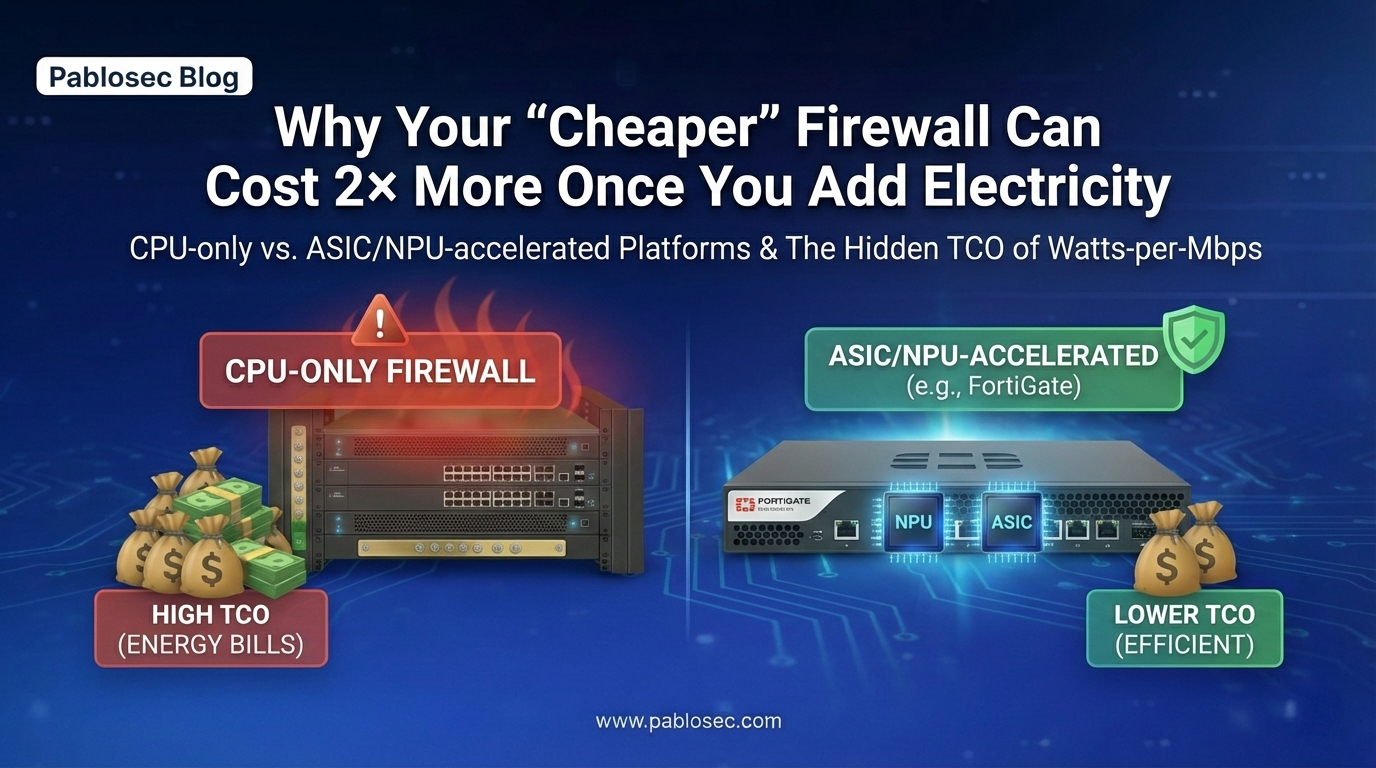
A firewall that relies entirely on general-purpose CPU processing degrades rapidly when traffic and security features scale up. As you turn on Deep Packet Inspection (DPI), TLS decryption, and IPS logging, the CPU gets overwhelmed.
-
Queues build up when bandwidth is saturated.
-
Jitter spikes unpredictably during traffic peaks.
-
VPN/IPsec encryption competes with basic routing for CPU cycles.
The device technically still "works," but the user experience collapses. This is why looking only at headline Gbps throughput is misleading. The real differentiator is performance consistency under stress.
The Solution: ASIC/NPU Acceleration and SD-WAN
To eliminate this friction, a modern edge deployment requires two things: raw processing efficiency and intelligent routing.
1. Hardware Offloading (ASIC/NPU)
Platforms designed with dedicated ASIC, NPU, or SPU acceleration (such as Fortinet) fundamentally change the performance curve. By offloading packet forwarding and cryptographic workloads to dedicated silicon, the main CPU is freed up.
While hardware acceleration isn't magic it must be configured correctly, and heavy TLS inspection still carries a cost it provides massive headroom. It ensures that even during peak utilization, latency remains predictable and low.
2. Intelligent Pathing (SD-WAN)
Hardware power is useless if the traffic is sent down a bad ISP line. Latency is not a fixed number; it depends on the path. A properly configured SD-WAN strategy allows your firewall to:
-
Steer critical applications (Teams/VoIP/ERP) dynamically based on real-time latency, jitter, and packet loss not just whether a link is "up" or "down."
-
Prioritize interactive traffic over bulk cloud backups.
-
Shape traffic to prevent bufferbloat at the ISP edge.
In simple terms: SD-WAN turns standard connectivity into a rigid productivity policy.
The Takeaway: Measure to Build Your Business Case
A "cheaper" firewall is actually the most expensive appliance in your rack if it increases jitter, forces you to disable critical security features to maintain speed, or lacks the SD-WAN intelligence to protect peak-hour performance.
When you buy a firewall, you aren't just buying "Gbps." You are buying stable productivity, reliable communications, and the elimination of daily IT friction.
If you want to build a business case internally, stop arguing opinions and start measuring:
- Latency at idle vs. latency under saturated load.
- Edge indicators: CPU utilization, packet drops, and queueing during peak hours.
- Application-level experience for Microsoft 365 and VoIP.
Convert those findings into "seconds lost" and apply the labor cost model above. You will quickly find that the ROI for a high-performance firewall justifies itself.
Would you like us to run the numbers for you?
Share your environment details with us (user count, ISP speeds, VPN usage, and critical SaaS apps), and we will estimate your realistic annual productivity impact and recommend an edge design that protects both your security and your users' time.